Natural-language direction
Describe the image or edit conversationally without relying on rigid prompt syntax.
OpenAI image creation
Generate and edit expressive, high-resolution images using natural language, flexible aspect ratios, and quality controls designed for rapid iteration.
Image prompt
0/2000
Selected work
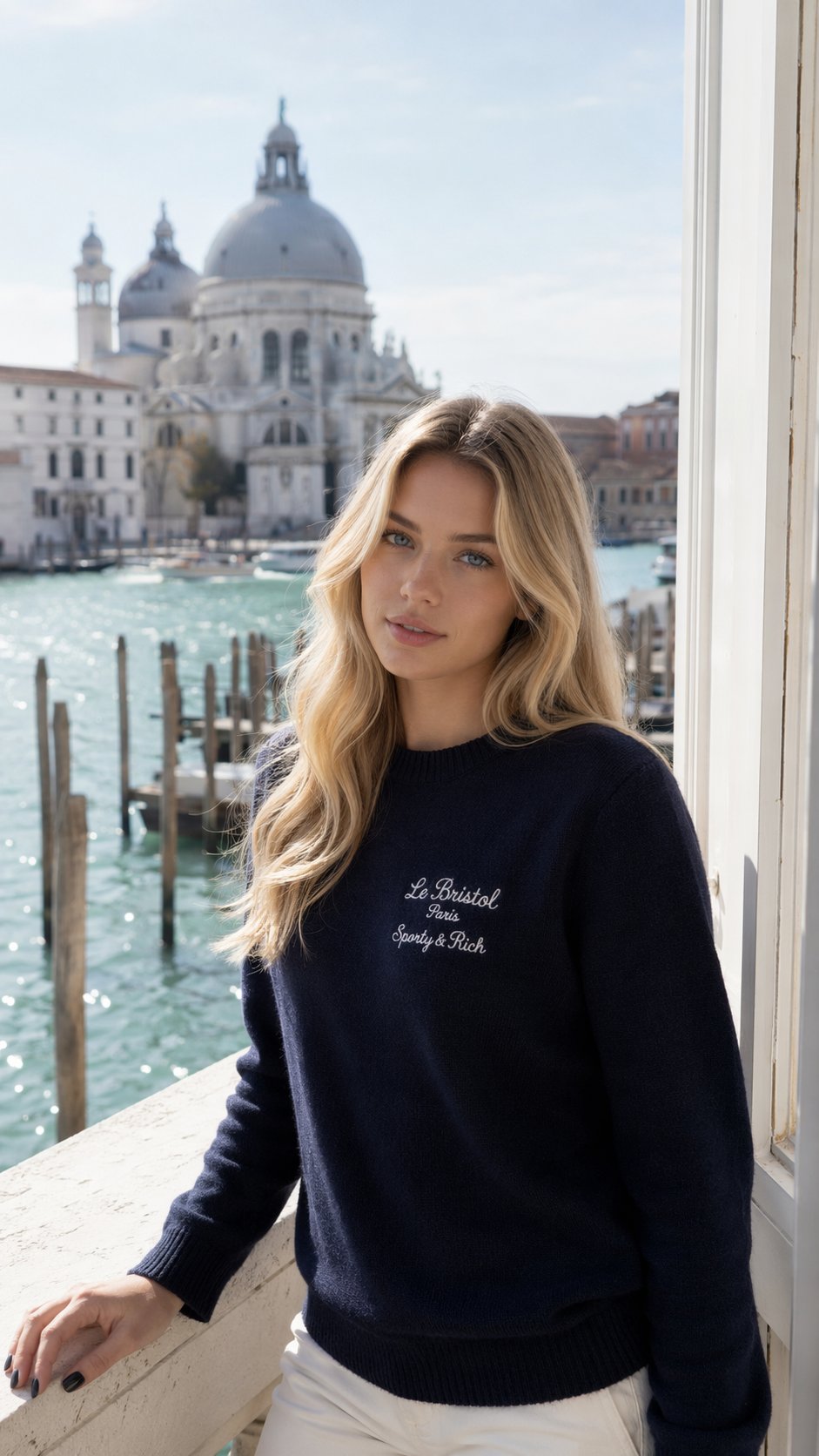
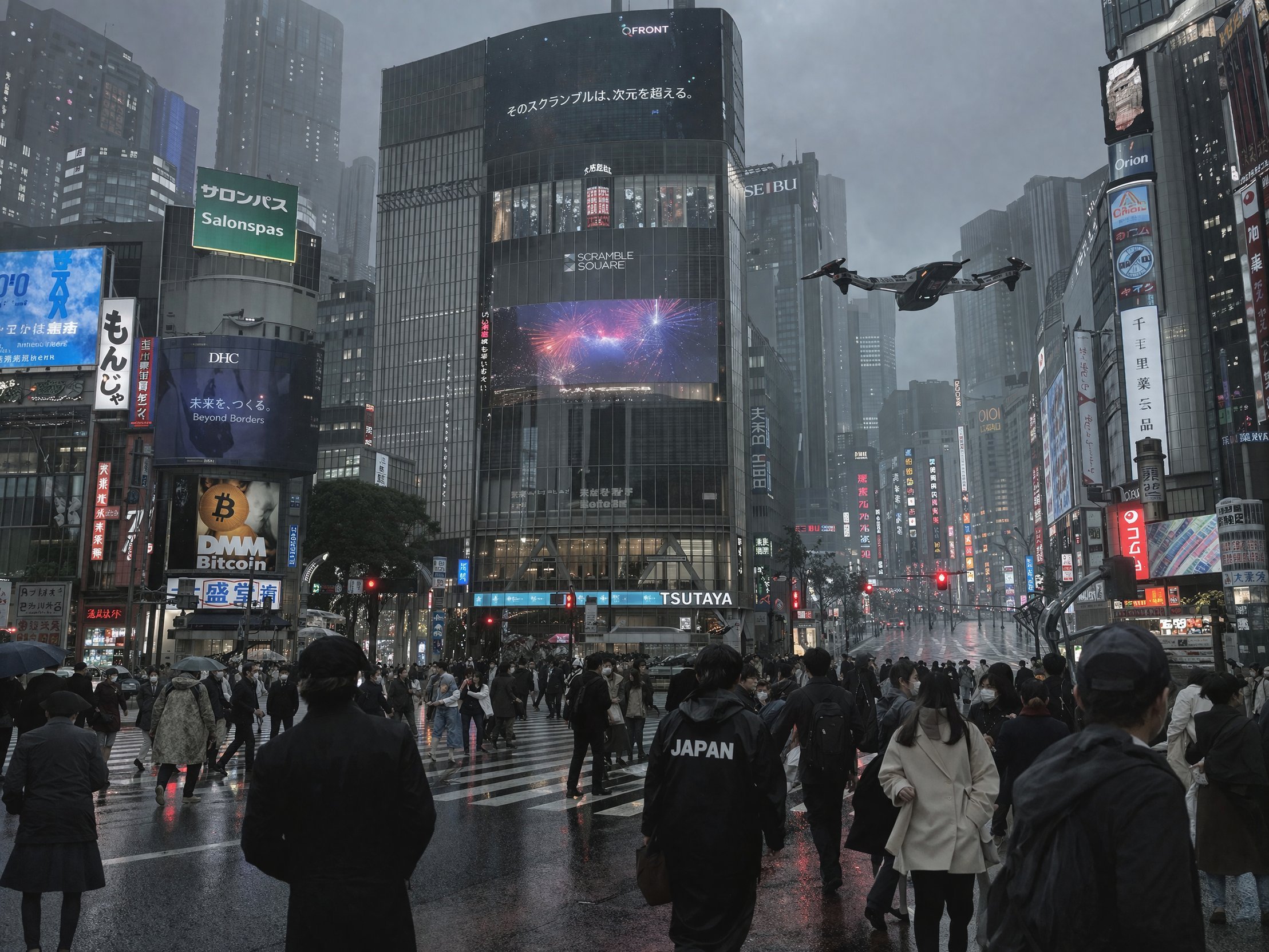
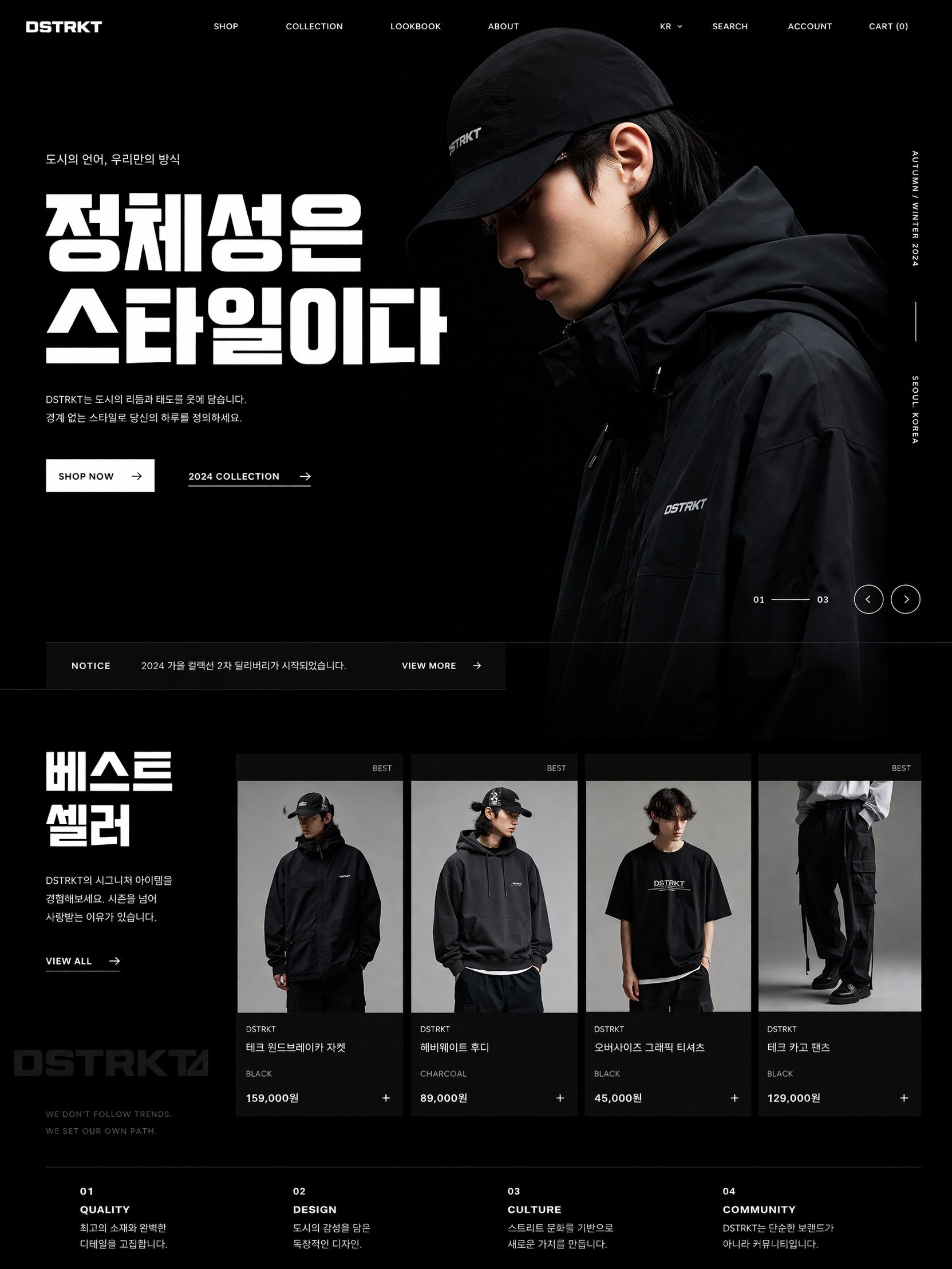
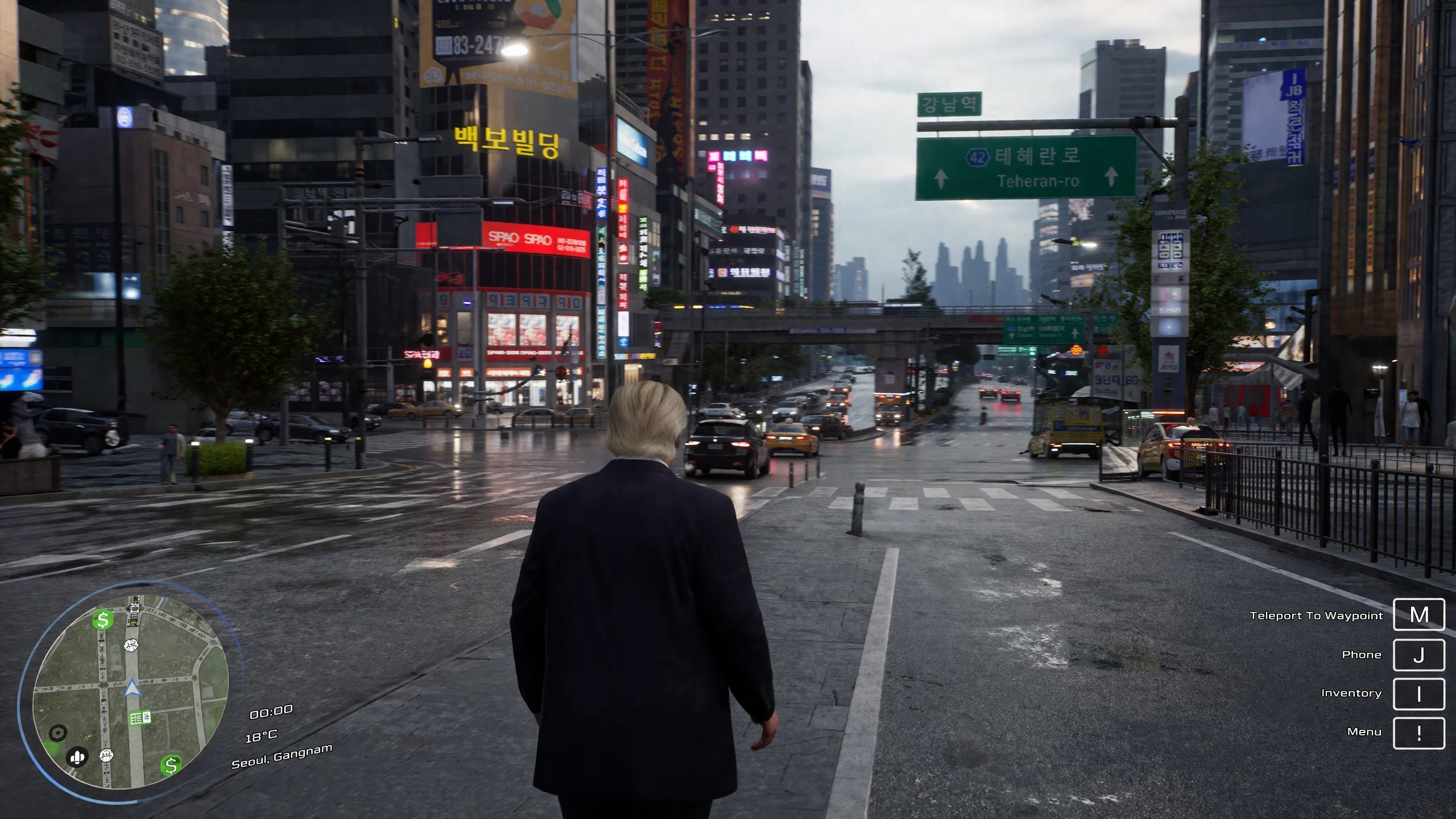
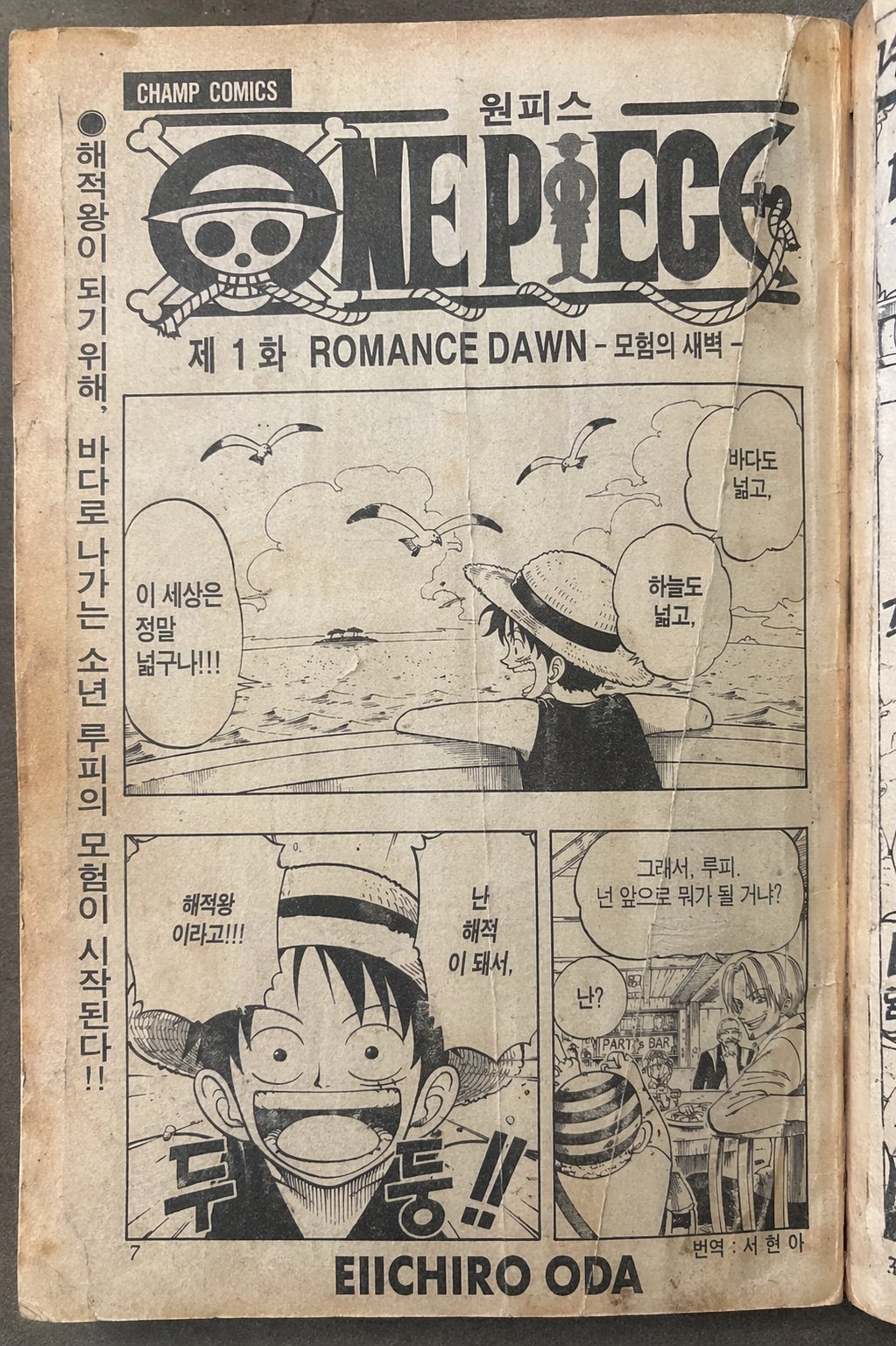
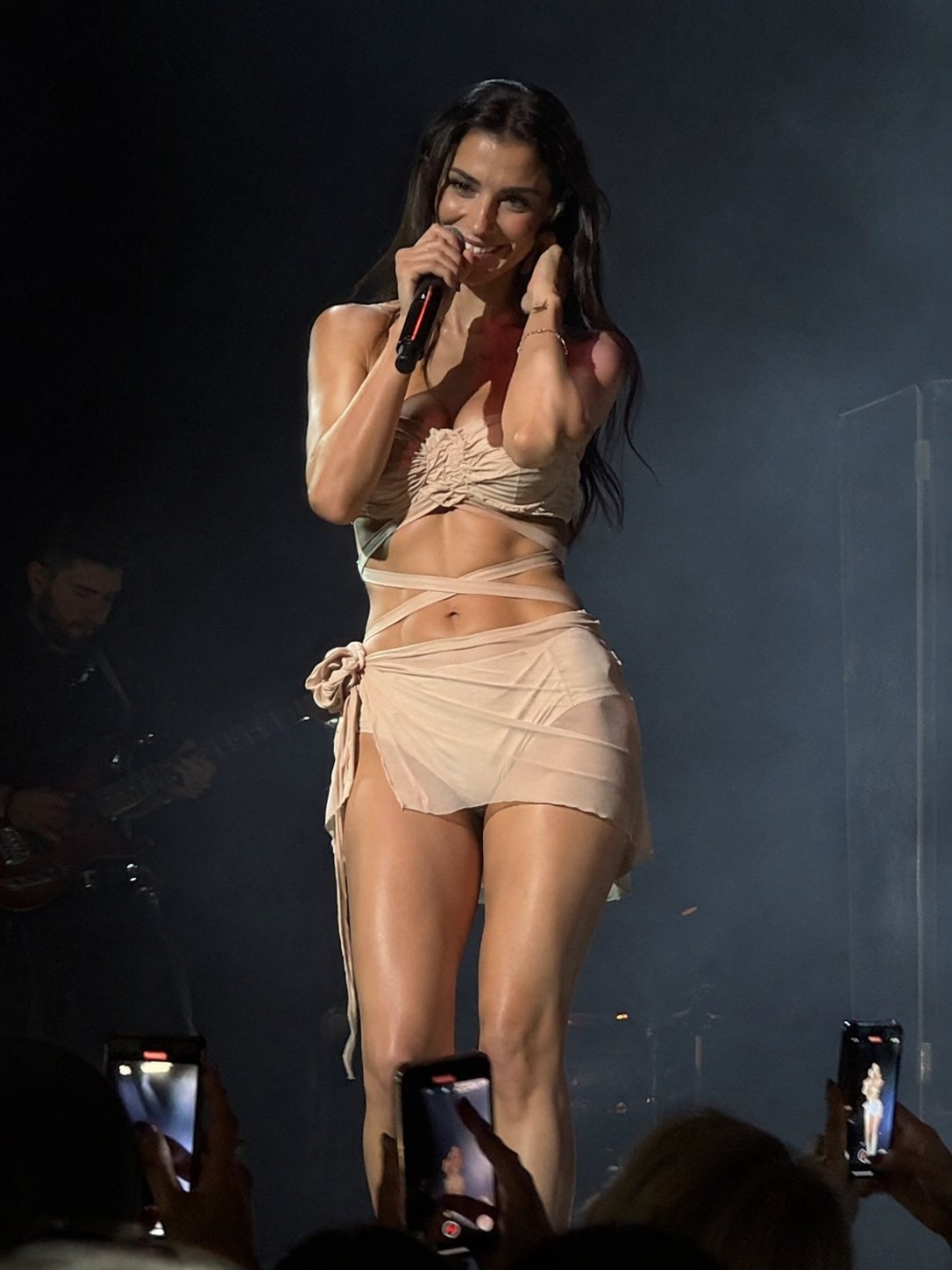
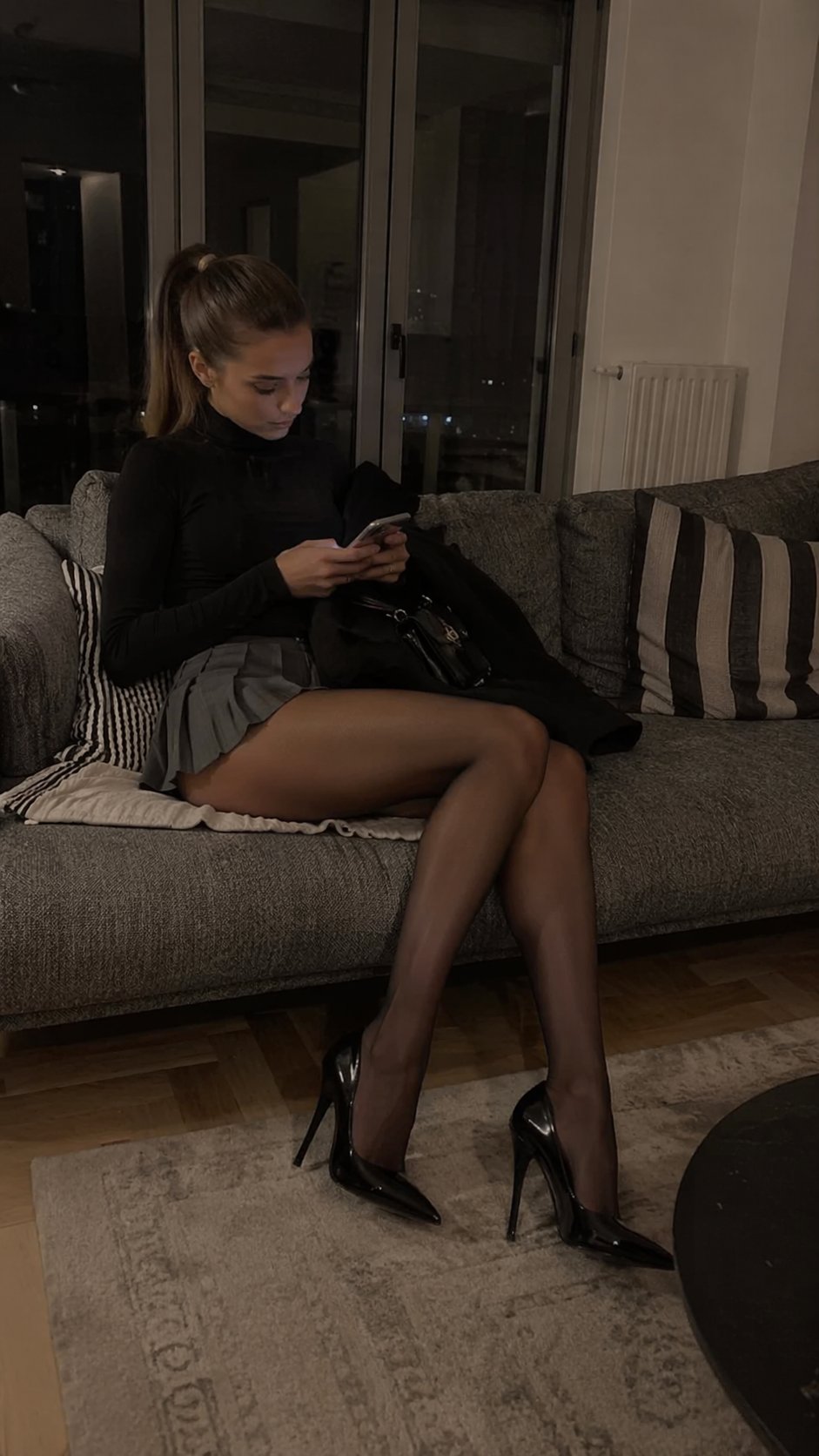
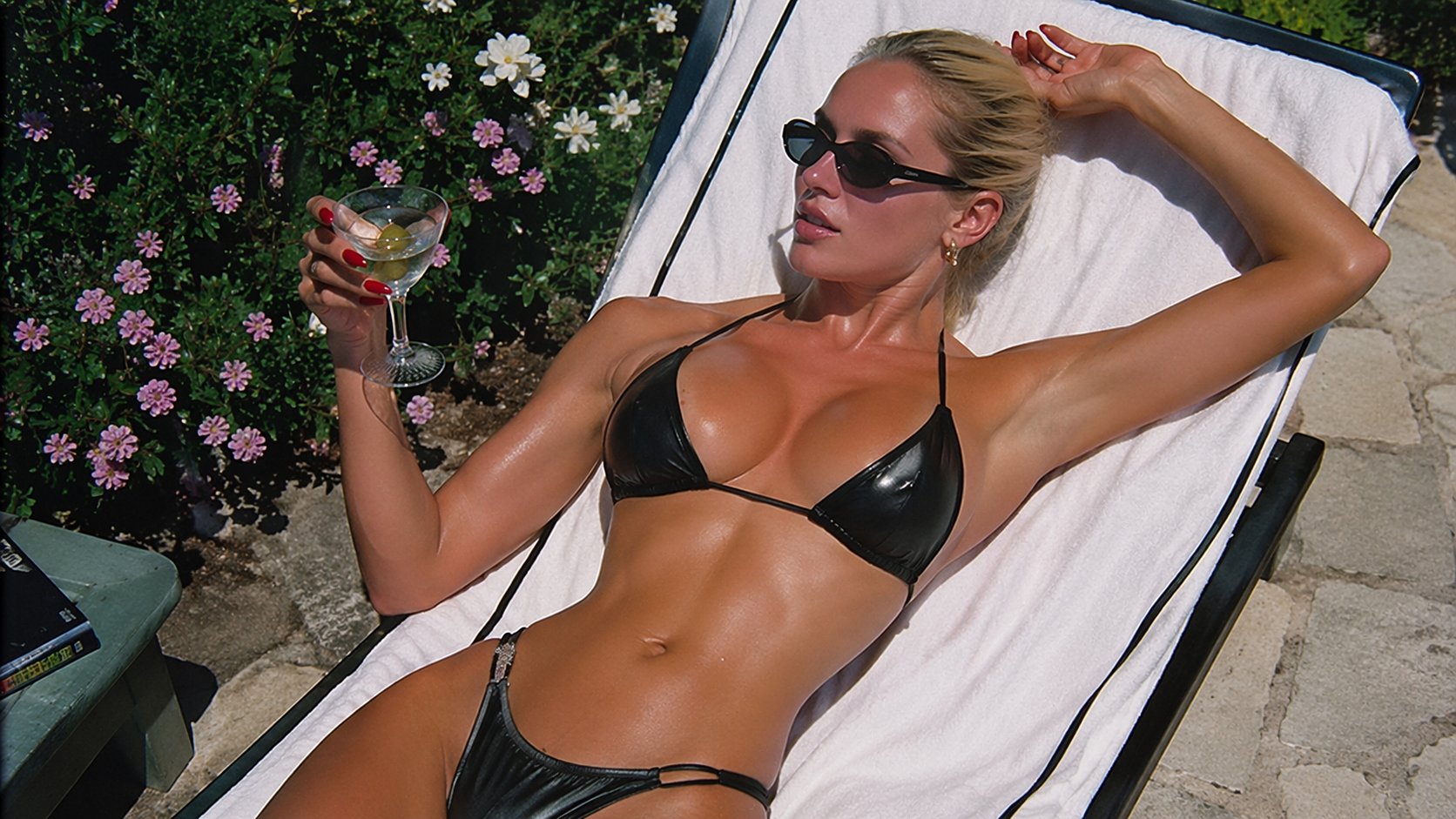
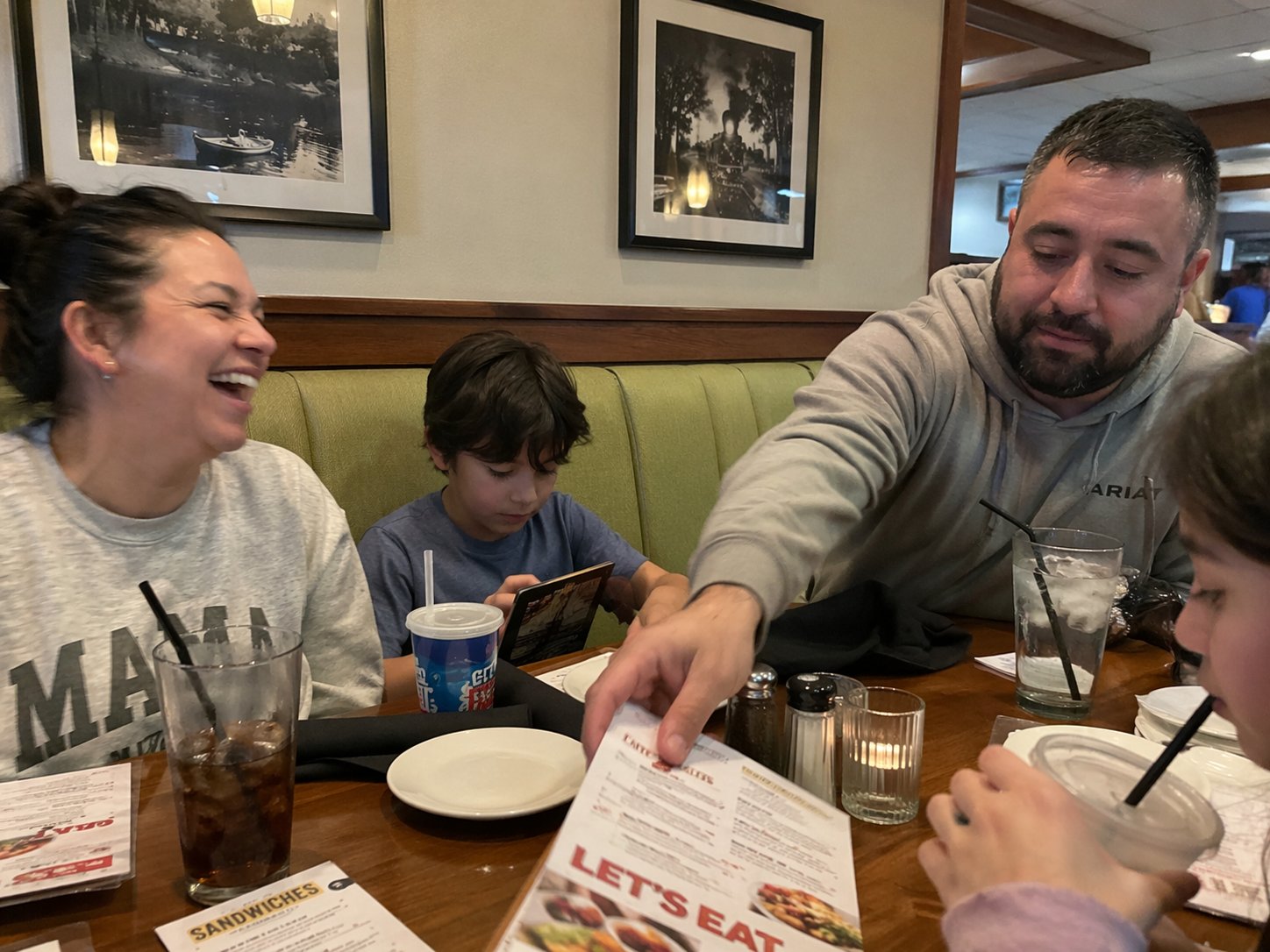
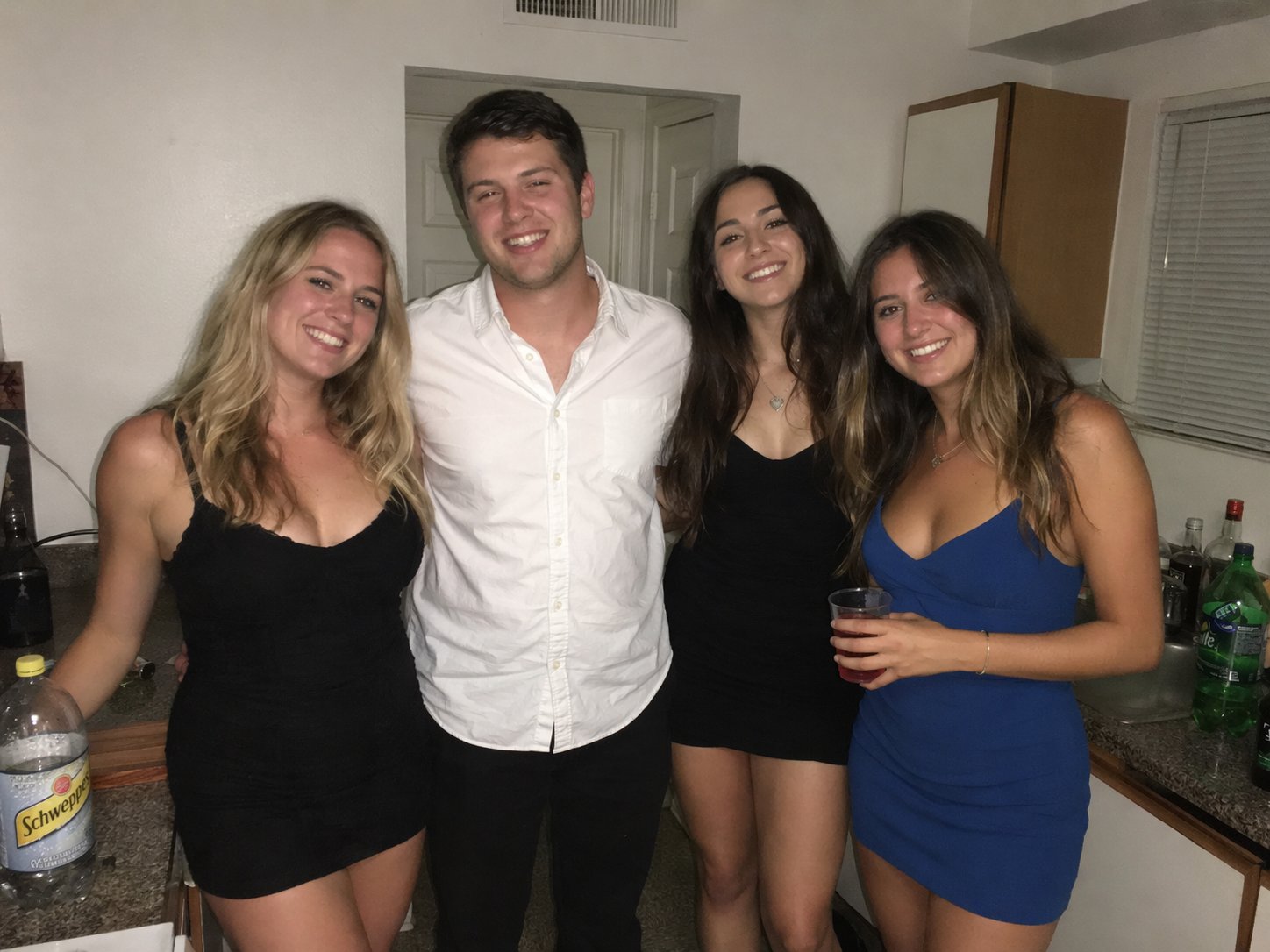
Explore portraits, products, illustrations, branded compositions, and text-led concepts produced through conversational image direction.
Capabilities
Describe the image or edit conversationally without relying on rigid prompt syntax.
Use references to maintain recognizable characters, objects, and brand details across iterations.
Combine multiple inputs into one coherent composition while directing style, hierarchy, and mood.
Create signage, labels, interface concepts, and branded artwork with improved text fidelity.
Balance iteration cost and finish using Low, Medium, or High quality at 1K, 2K, or 4K.
Workflow
Select the image model that fits your quality, editing, and output needs.
Describe the subject and visual direction, then add references when consistency matters.
Review the result, reprompt when needed, and download the finished asset.
Use cases
Generate logo directions, icons, packaging systems, and visual identity concepts from a concise brief.
Create polished product scenes and adjust setting, light, angle, and art direction through plain language.
Produce campaign banners, promotional concepts, and multiple visual variants for creative testing.
Build thumbnails, story artwork, article visuals, and platform-specific content without a complex design workflow.
Questions
ChatGPT Image 2 is an AI image model for creating images from text and editing one or more reference images using natural-language instructions.
No. Describe the subject, style, composition, mood, and intended changes in ordinary language.
The Wave studio supports 1K, 2K, and 4K output with ten landscape, portrait, square, and wide aspect ratios.
Yes. Edit mode accepts up to 10 reference images and can preserve the source ratio automatically.
Cost depends on resolution and quality, ranging from 1 credit for 1K Low to 12 credits for 4K High.
Create now