
Unified Multimodal Understanding
Feed text, stills, audio, and video into the same pass. MiniMax H3 can let a frame, a written beat, and a sound idea reinforce one scene instead of splitting into parallel jobs.
MiniMax video model
Guide MiniMax H3 with prompts, stills, audio, and clip references in one continuous creation loop on Waver AI.
Prompt
0/2000
MiniMax H3 is a multimodal generation model that reads creative signals from text, images, audio, and video, then turns that shared context into generated and revised video.
On Waver AI, it fits work where imagery, sound design, pacing, and narrative have to stay aligned. Each medium contributes to the same brief instead of competing as isolated instructions.
Kick off with a script line, a mood board still, an audio hint, a reference clip, or any mix that clarifies intent. MiniMax H3 carries that context forward as you iterate.
Because generation is natively multimodal, edits can target a specific visual beat, sonic detail, or story beat—without rebuilding the whole idea in a different tool chain.
MiniMax H3 on Waver AI holds prompt, media, and revision notes in one context, so early drafts evolve into clearer final cuts with less fragmentation.
Feed text, stills, audio, and video into the same pass. MiniMax H3 can let a frame, a written beat, and a sound idea reinforce one scene instead of splitting into parallel jobs.
Ask for changes to a look, a sound layer, or a story beat with clear instructions. You stay focused on what needs another pass while the overall direction remains intact.
Use sound as an intentional input from the start. MiniMax H3 can weigh audio with motion and imagery, which helps when mood, timing, and narrative hinge on both picture and sound.
From film and ads to brand, ecommerce, and game content, MiniMax H3 covers concept sketches through production-minded drafts—so creators and teams stay on one model while the brief evolves.
See how a single multimodal brief can branch into story scenes, product films, and game-ready concepts without restarting from scratch.
Assemble the references that define your idea, generate a first cut on Waver AI, then export or share the version that best carries the story.
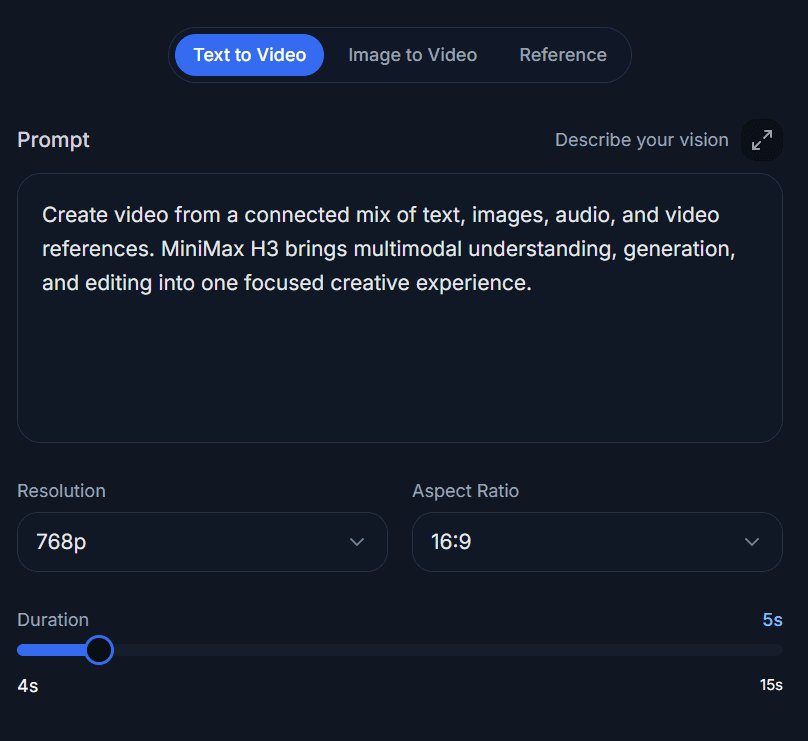
Describe the scene and attach the text, image, audio, or video materials available in create. Note how those pieces relate so the model gets a coherent brief.
Let MiniMax H3 turn that brief into a video. Check how picture, sound, motion, and narrative land together before you decide what to adjust.
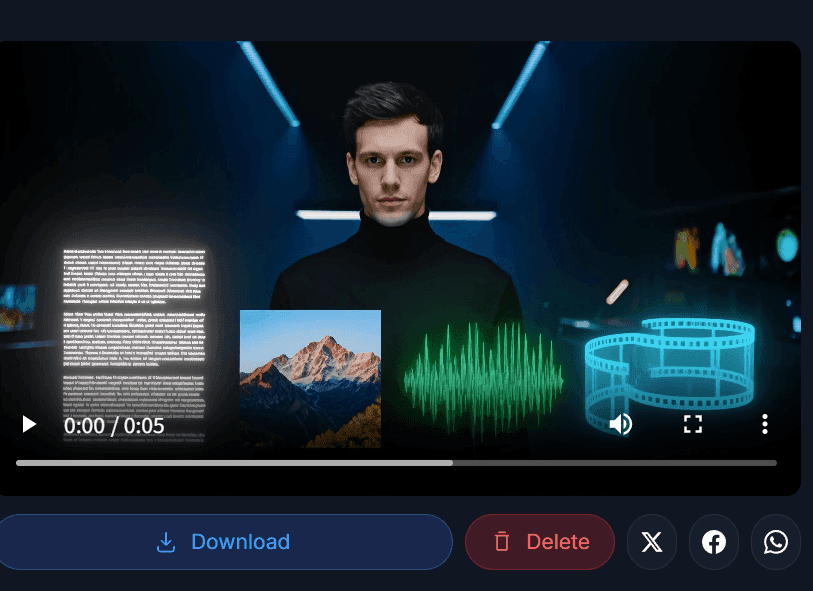
Download the clip or share it with collaborators once it fits the goal. Come back with precise notes whenever another iteration is useful.
You leave with a video shaped inside one multimodal loop—from brief to draft to handoff.
Reach for MiniMax H3 when visuals, audio, and story need to stay in sync—whether you are exploring early looks or building assets for a live campaign.

Block out scenes, mood, camera motion, and sound from a shared brief. Storytellers can pressure-test an idea on Waver AI before locking a heavier production path.

Shape campaign drafts where product look, pacing, and audio follow one plan. Brand and media teams can explore and tighten concepts in the same multimodal pass.

Convert product stills and copy into motion pieces for listings and launches. MiniMax H3 helps keep product appearance, setting, and sound in one presentation.
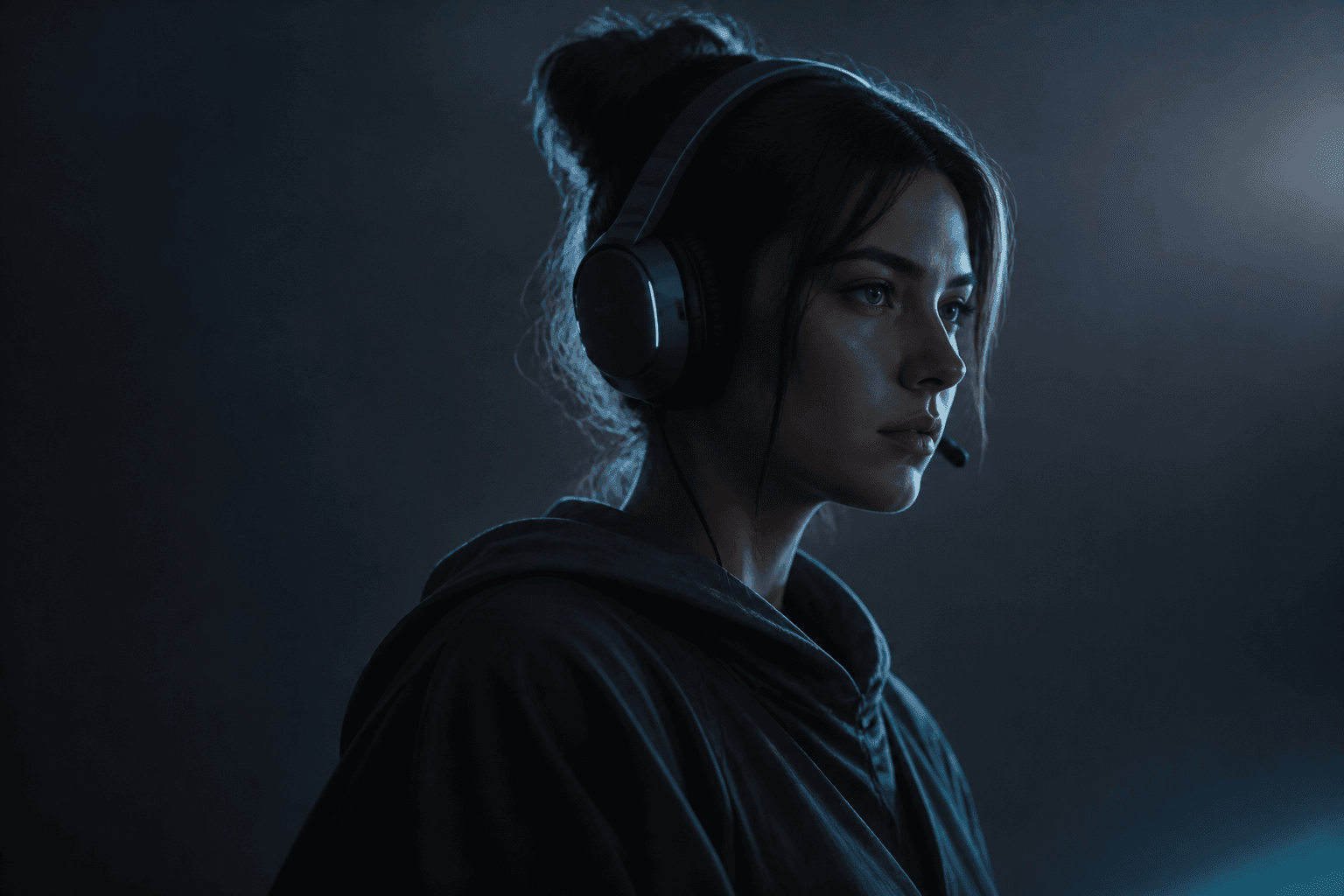
Treat characters, spaces, movement, atmosphere, and audio as linked world-building pieces. Useful for concept reels, narrative beats, and visual experiments in game pipelines.
Stack MiniMax H3 against other AI video models by how they ingest creative context, generate from it, and let you revise across media.
MiniMax H3
Reads text, images, audio, and video as one shared creative brief
Typical AI Video Models
Confirm which inputs a model accepts and whether they influence each other
MiniMax H3
Links multimodal understanding directly to video output
Typical AI Video Models
Confirm the model both understands multimodal input and generates from it
MiniMax H3
Lets you refine looks, sound, and story beats with targeted notes
Typical AI Video Models
Confirm editing reaches beyond first-pass generation alone
MiniMax H3
Covers film, ads, brand, ecommerce, games, and adjacent workflows
Typical AI Video Models
Map documented use cases to the job you need to ship
MiniMax H3 keeps multimodal understanding, generation, and editing inside one model on Waver AI. When you evaluate alternatives, weigh input coverage, revision depth, and fit for your production target.
Pick MiniMax H3 when a lone text prompt is not enough and you need stills, audio, and clips to steer the same result.
Text, images, audio, and video stay related context. You can express more of the intended scene without collapsing everything into prose alone.
Feedback can target picture, sound, or story—not only the overall look—so the next pass addresses the layer that actually needs work.
Built for film, ads, brand, ecommerce, games, and more. The multimodal loop makes complex direction easier to state and iterate on Waver AI.
MiniMax H3 is a multimodal generation model available on Waver AI. It interprets text, image, audio, and video context, then uses that brief for video creation and follow-up edits.
Gather prompts, stills, sound ideas, and video references into one brief on Waver AI. Generate with MiniMax H3, then tighten the details that carry the story.
Begin from the idea you already have. Add the context that makes it specific, create a first cut, and iterate until the result feels intentional.