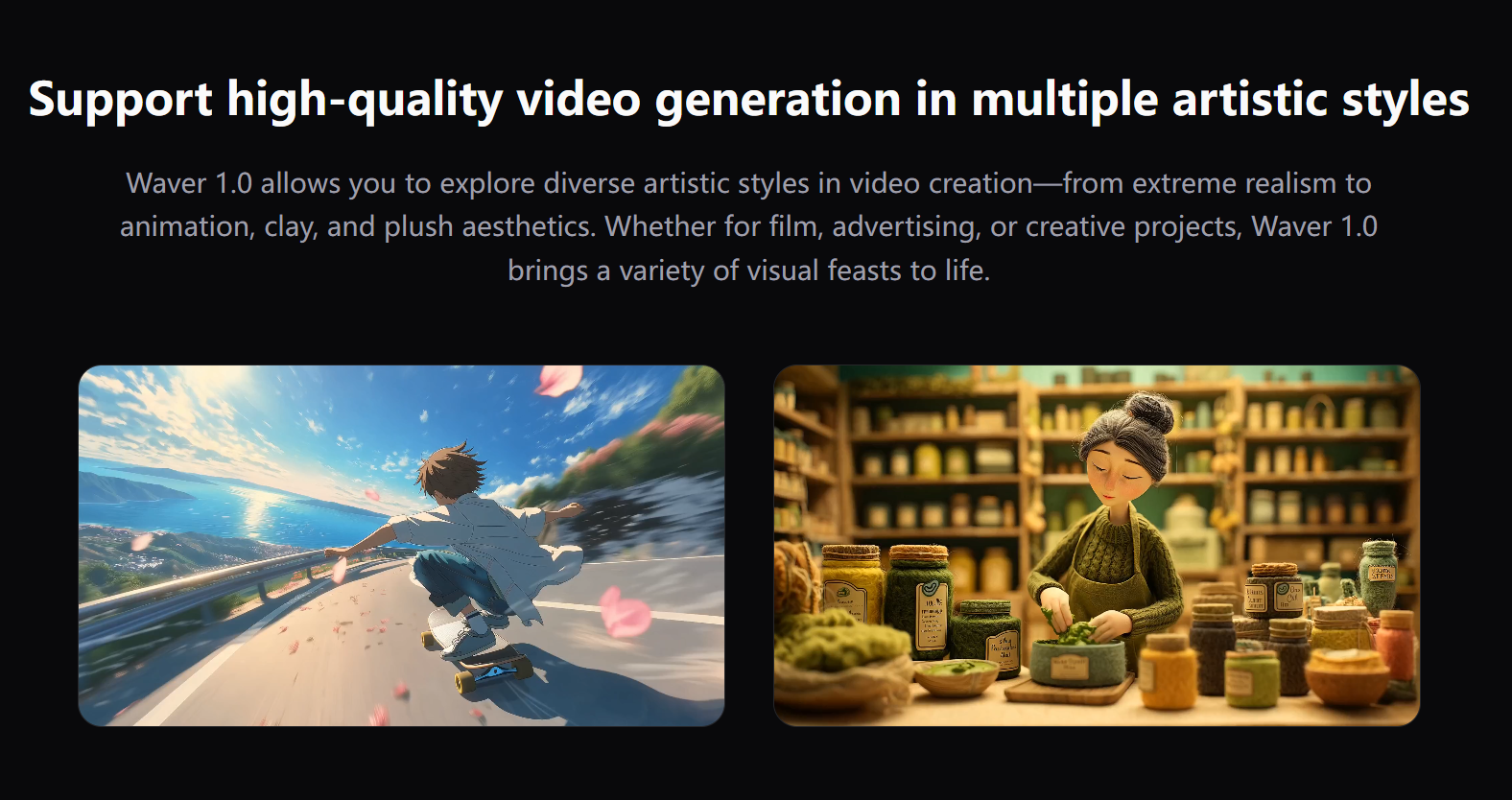
Creating professional videos can be challenging, but Waver 1.0 All-in-One AI Video makes it easier than ever. Below are the most frequently asked questions about Waver 1.0 and its features.
What is Waver 1.0 All-in-One AI Video?
Waver 1.0 All-in-One AI Video is an AI-powered platform that allows users to generate high-quality videos from text, images, or a combination of both. Unlike traditional video editing tools, it automates the process and produces cinematic-quality results with minimal effort. Whether you are a content creator, marketer, or educator, Waver 1.0 can simplify your workflow and elevate your video content.
The platform is designed for both beginners and professionals. Its intuitive interface ensures that users do not need advanced technical skills to create stunning videos. With Waver 1.0, complex editing tasks such as timing, transitions, and motion effects are handled automatically, freeing users to focus on storytelling and creativity.
How Does Waver 1.0 All-in-One AI Video Work?
Waver 1.0 All-in-One AI Video uses advanced AI algorithms to transform text or images into dynamic video content. You can input your script, upload images, or describe a concept, and the platform automatically generates videos with smooth transitions, realistic motion, and high-quality visual effects. The AI ensures that the generated content maintains coherence, cinematic realism, and engagement.
Additionally, the AI analyzes your input to match tone, style, and pacing. For example, a tutorial video will have clear visual cues and pacing optimized for learning, while a marketing video will focus on attention-grabbing visuals and motion to engage viewers. This feature makes Waver 1.0 versatile across multiple industries.
What Features Does Waver 1.0 All-in-One AI Video Offer?
Text-to-Video Conversion
Turn written scripts into videos instantly. Waver 1.0 All-in-One AI Video automatically generates professional-looking video content from text, perfect for tutorials, marketing campaigns, or social media posts. Users can choose different visual styles, backgrounds, and effects to match their content goals.
Image-to-Video Generation
Upload images or graphics and convert them into videos. The AI ensures motion is smooth, visuals are cinematic, and transitions are polished. This is ideal for product demos, advertisements, and storytelling videos where static images need to come alive.
High-Resolution Output
Export videos in 720p or 1080p, making them suitable for YouTube, TikTok, presentations, and marketing campaigns. High-resolution output ensures your videos look professional on any platform.
Multi-Mode Support
Combine text and images in one project. Waver 1.0 All-in-One AI Video adapts to different content requirements and platform specifications seamlessly. You can also mix audio narrations, background music, and visual overlays to enhance your video.
Customization Options
Users can adjust visual effects, colors, text animations, and transitions. This level of customization ensures that every video produced aligns with brand guidelines or personal style.
User-Friendly Interface
Designed for beginners and professionals alike, the interface is intuitive. Users can input text or images, customize settings, and generate videos without steep learning curves. Even first-time users can create polished content in minutes.
Why Should I Choose Waver 1.0 All-in-One AI Video?
Efficiency: Save time by automating video production.
Cinematic Quality: Enjoy smooth motion, realistic visuals, and professional transitions.
Versatility: Create videos for multiple industries, including education, marketing, e-commerce, and social media.
Cost Savings: Reduce the need for expensive software and lengthy editing.
Scalability: Produce multiple videos quickly without compromising quality, making it ideal for agencies or content teams.
Who Can Benefit from Waver 1.0 All-in-One AI Video?
Content Creators: Produce videos faster and more efficiently.
Marketers: Generate eye-catching ads and social media content.
Educators: Create engaging tutorials or e-learning videos.
Businesses: Design product demos, promotional videos, and corporate content.
Freelancers: Deliver high-quality videos to clients without investing in expensive software or hours of editing.
How Do I Get Started with Waver 1.0 All-in-One AI Video?
Getting started is simple. Visit Waver 1.0, sign up, choose a mode (text-to-video or image-to-video), and start generating professional content immediately. Customize styles, transitions, and output resolution according to your needs.
The platform also provides tutorials and guides to help new users navigate the tools and maximize creative potential. With Waver 1.0, even complex projects can be completed in a fraction of the time required by traditional video editing.
Can Waver 1.0 All-in-One AI Video Replace Traditional Video Editors?
While traditional editing tools offer manual control, Waver 1.0 – All-in-One AI Video is designed for speed and convenience. It is ideal for content creators who need to produce high-quality videos quickly without the complexity of conventional software. It can complement or, in many cases, replace traditional editing workflows, particularly for marketing, social media, and educational content.
Conclusion
Waver 1.0 All-in-One AI Video is changing the way videos are created. Its AI-driven automation, multi-mode support, cinematic realism, and customization options make it a powerful tool for creators, marketers, educators, and businesses alike. Explore the platform today at Waver 1.0 and start producing professional-grade videos effortlessly.